Create your free contact cards for Apple Wallet
Let people scan to save your details or open a link with a single click.
Create my Heya card Apple Wallet
3 simple steps
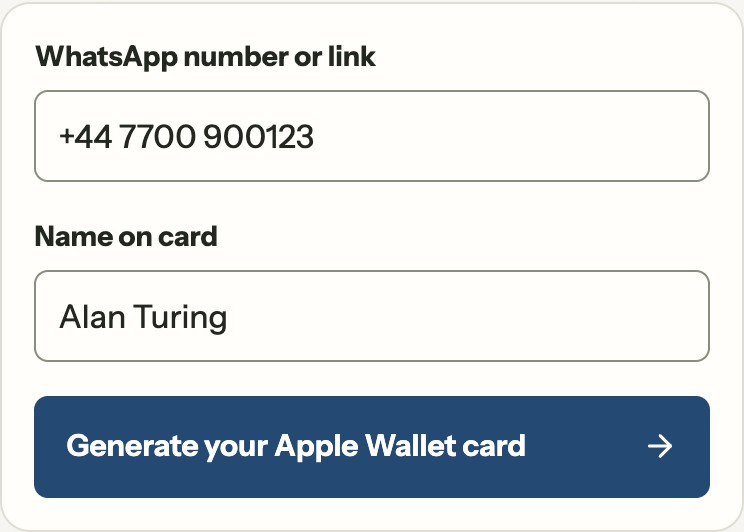
Create and add your Heya card in Apple Wallet. It’s free!
Someone scans the QR code on your Heya card in the Apple Wallet
They open your chat or contact details
Frequently asked questions
What is Heya?
Heya is a free web app for making contact cards for Apple Wallet. Keep your card handy for meetings. Once it’s in Wallet, open it on your iPhone and show the QR code. One scan lets them save your details or go straight to the place you choose, like a WhatsApp chat.
Is Heya free?
Yes, completely. Creating cards, saving them, sharing the images and scanning them are all free. The person scanning doesn’t need a Heya account.
How do I create a Heya card?
Sign in to Heya and choose a Universal or Individual card. Enter the details you want to share, then tap Generate your Apple Wallet card. Your card is saved in Manage cards, ready to show or download. When the Wallet button is available, tap Add to Apple Wallet and confirm on your iPhone.
How does someone scan my card?
Open your card so the QR code is visible. Ask the other person to open their phone’s camera, point it at the whole square and tap the prompt that appears. A Universal card offers a contact to save. An Individual card opens the app, link or contact action you chose.